



 10 minutes to read
2026-04-07
Muhammed Aziz
Mobile Investing with ExpertOption: Top 5 Features for Android/iOS in 2026


Mobile investing has moved from a convenience to a necessity. For many traders, a smartphone is the primary way to follow markets, review charts, and react to price changes in real time. Yet trading on a small screen brings its own challenges: limited space, fast-moving data, and the risk of rushed decisions.
ExpertOption approaches mobile investing with a clear focus on usability. Instead of shrinking a desktop platform to fit a phone, the app is designed specifically for Android and iOS users who want clarity, speed, and control while on the move. This guide explores how the platform’s mobile features support confident decision-making and why a user-friendly platform matters more than ever in 2026.
This article is intended for beginners, busy traders, and anyone who relies on mobile devices to stay connected to the markets.
Visit our website to explore the platform and create your account.
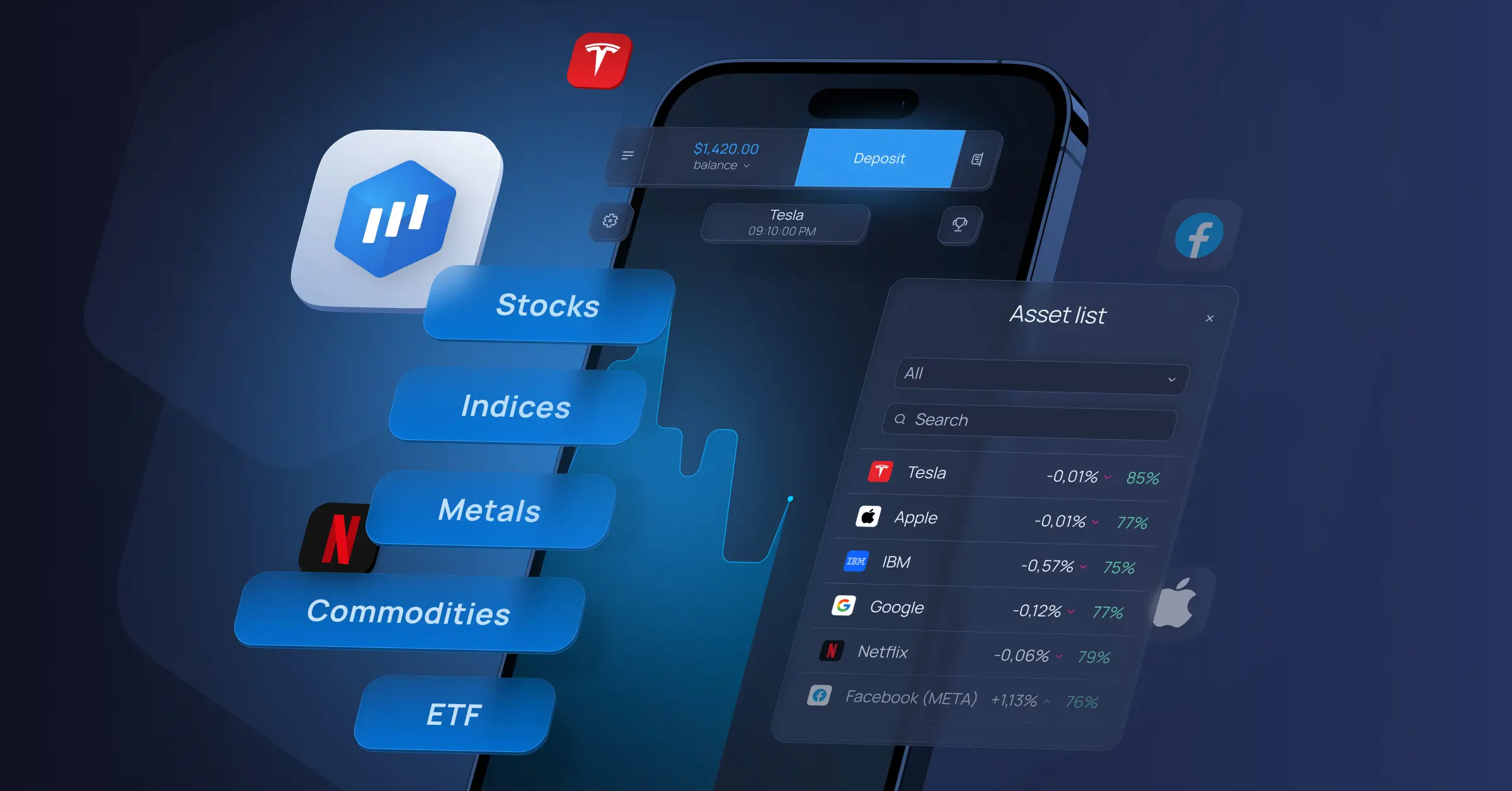
Why Simplicity Matters in Mobile Investing
Trading from a smartphone often happens in short moments: during a commute, between meetings, or while monitoring markets in the background. In these situations, complexity becomes a disadvantage. Overloaded screens and hidden menus can slow reaction time and increase the chance of mistakes.
A simplified mobile interface reduces decision fatigue. When information is organized clearly, users can focus on what matters most: price movement, timing, and context. This is especially important during volatile periods, when clarity helps traders stay calm rather than react impulsively, for example, when price alerts and charts are displayed on the same screen.
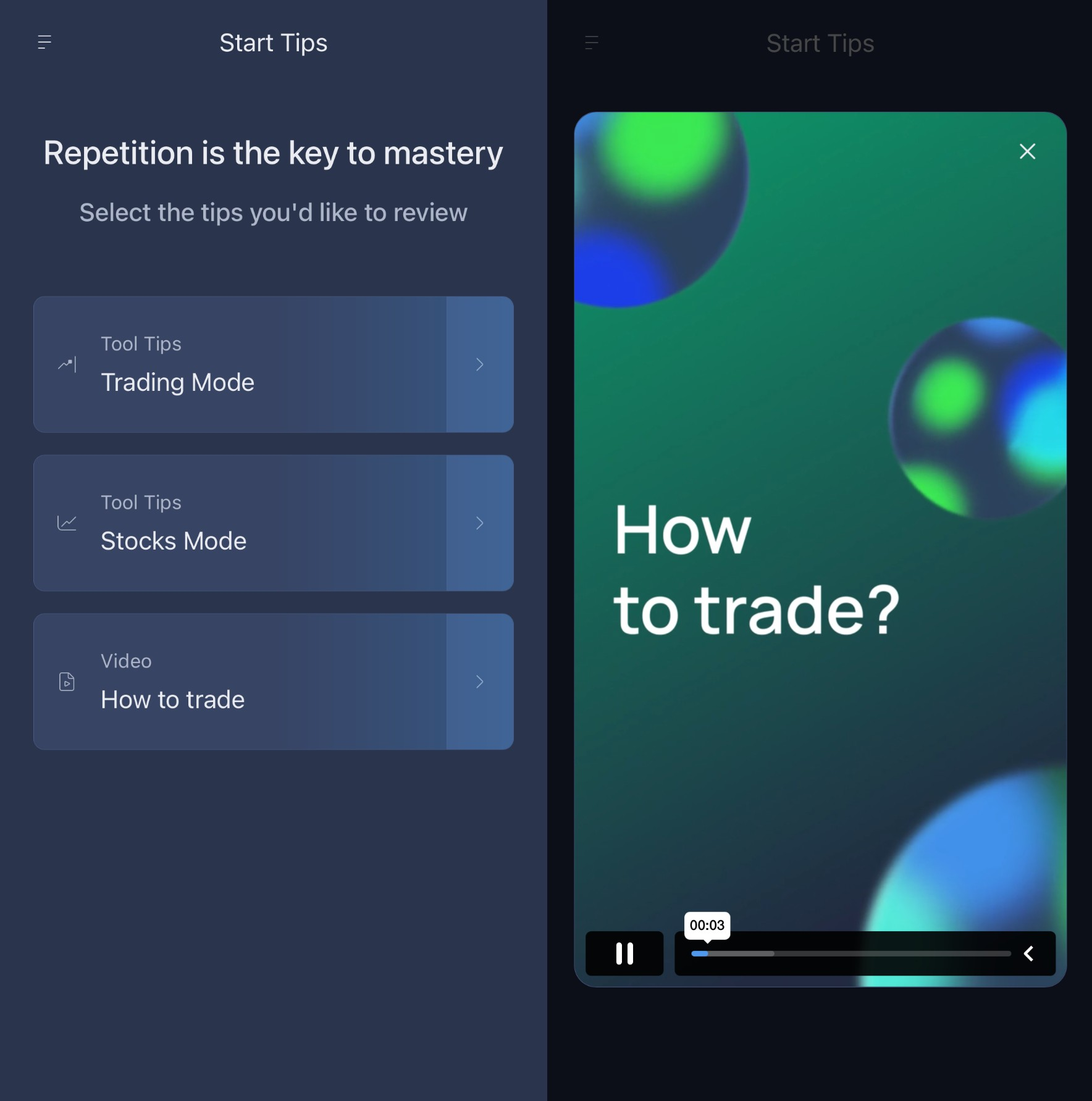
On a beginner-friendly platform, simplicity also supports learning. New users are not forced to understand every feature at once. Instead, tools are presented gradually, making mobile investing feel manageable rather than overwhelming.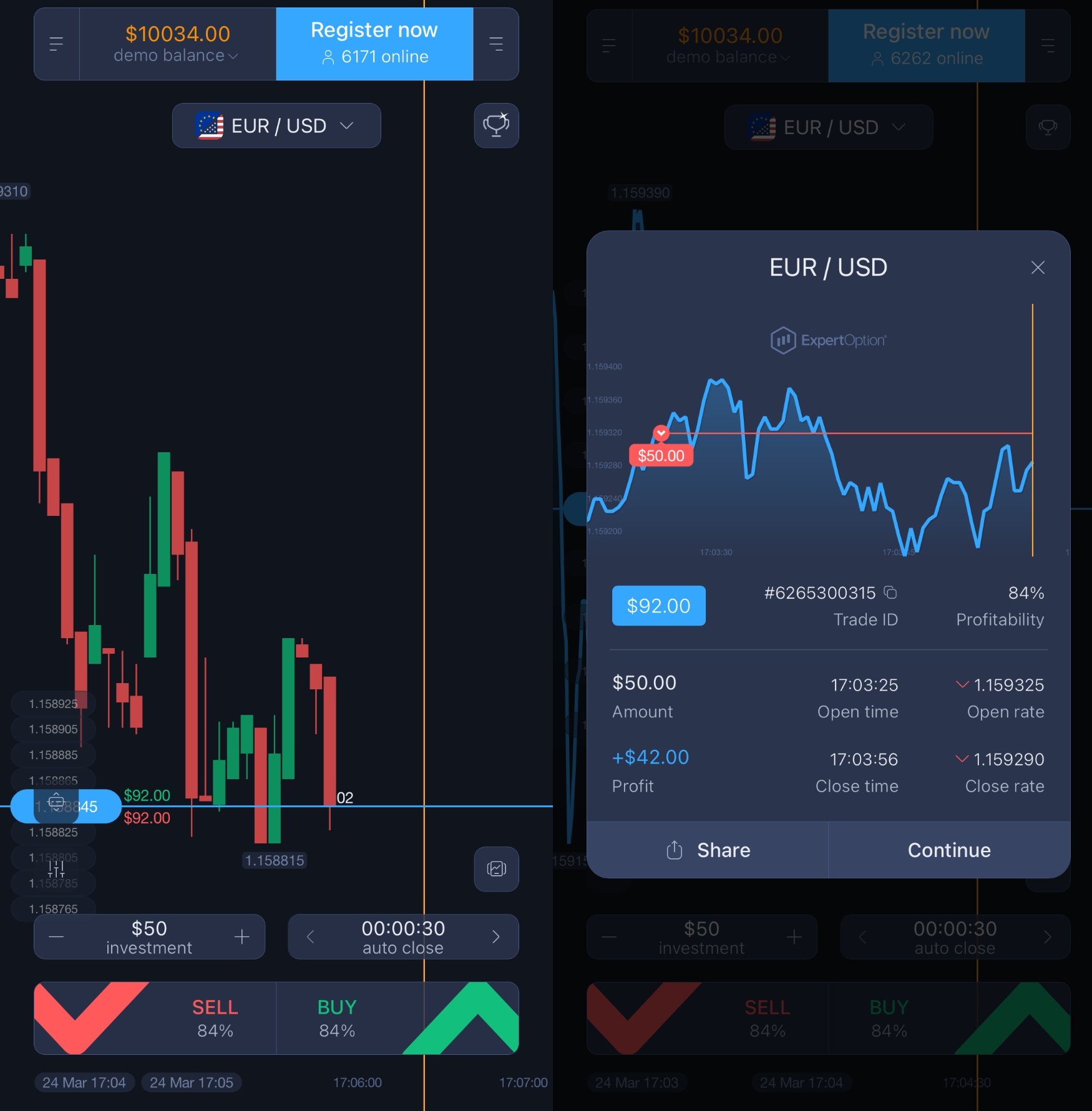
Understanding ExpertOption’s Mobile Experience
ExpertOption’s mobile app is built around the idea that investing should feel intuitive, even on a small screen. Navigation is streamlined, visuals are optimized for touch interaction, and essential tools are easy to reach without deep menu navigation.
Compared with many traditional desktop trading platforms, which often rely on dense dashboards, multiple windows, and complex settings, the mobile experience focuses on clarity. Desktop platforms can be powerful, but they sometimes require more time to navigate and interpret the information displayed. On a mobile interface, the priority shifts toward speed, readability, and ease of use.
Mobile charts, notifications, and quick actions are not treated as add-ons. They are central to how the app works. This mobile-first design helps users stay informed and act with intention, even when they are away from a desktop environment.
Below are the five core features that define mobile investing with ExpertOption in 2026.
Feature 1: Real-Time Notifications That Support Better Timing
One of the biggest challenges of mobile investing is staying informed without constantly checking the app. ExpertOption addresses this with customizable notifications that deliver relevant updates directly to the user’s device.
These alerts can notify users about market changes, session updates, or account-related activity. Instead of pulling users into the app unnecessarily, notifications act as a signal: something important is happening, and it may be worth taking a closer look.
This approach helps reduce emotional trading. Rather than reacting to random price fluctuations, users can rely on structured prompts that encourage more deliberate decision-making by just checking the alerts.
Feature 2: Mobile Charts Designed for Clarity
Charts are the foundation of market analysis, but on mobile devices, they must be especially clear. ExpertOption’s mobile charts are optimized to display essential price information without clutter.
Users can adjust timeframes, zoom smoothly, and switch chart types with simple gestures. The focus is on readability, ensuring that trends and price movements remain easy to interpret even on smaller screens.
This kind of technical charting supports better understanding rather than prediction. Charts do not make decisions for users, but they present market data in a way that is easier to analyze calmly and consistently.
Feature 3: Quick Actions for Controlled Execution
Speed matters in mobile investing, but speed without structure can lead to mistakes. ExpertOption balances responsiveness with control by offering quick-access actions that remain deliberate rather than rushed.
Trade setup, adjustments, and confirmations are designed to be completed in a few clear steps. This reduces accidental inputs while still allowing users to act promptly when conditions align with their strategy.
For beginners, this structure is especially helpful. It reinforces the habit of reviewing details before confirming an action, even when trading from a phone.
Feature 4: Clean Layout Optimized for Small Screens
Desktop platforms often rely on multiple panels and dense data displays. On mobile, this approach can quickly become confusing. ExpertOption avoids this by using a clean, layered layout that prioritizes the most relevant information.
Menus are intuitive, icons are clearly labeled, and transitions between sections feel natural. Users are not forced to jump between screens to find basic tools, which helps maintain focus during active sessions.
This layout supports simple investing tools by presenting information in digestible sections. The result is a smoother workflow that feels intentional rather than reactive.
Feature 5: Consistent Performance Across Android and iOS
Reliability is a core requirement for mobile investing. Delays, crashes, or inconsistent behavior can undermine confidence, especially when users depend on their phones to stay connected.
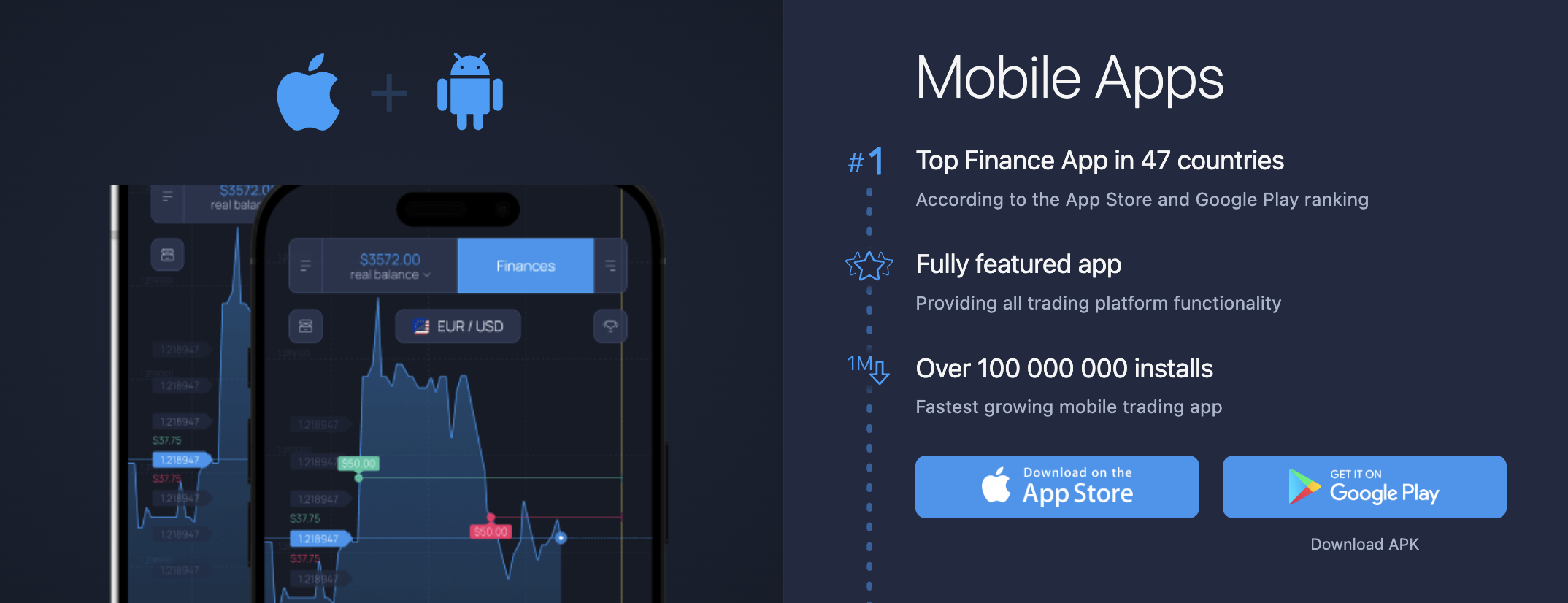
ExpertOption’s app is optimized to perform consistently across Android and iOS devices. Actions respond quickly, charts load smoothly, and navigation remains stable even during periods of high activity.
This reliability reinforces the perception of a secure platform, where users can focus on market analysis and learning rather than technical issues.
Why an Intuitive Mobile Interface Changes Everything
An intuitive interface does more than look clean. It shapes how users think and act. When charts are clear and tools are easy to access, users are less likely to rush or second-guess themselves.
On mobile, this clarity helps prevent misinterpretation of price movements. Clean visuals reduce noise, making it easier to distinguish meaningful trends from short-term fluctuations.
By aligning mobile settings with personal comfort levels, users can create an environment that supports their own pace and style. This reduces stress and builds confidence, especially for those still developing their market analysis skills.
Key Benefits of a Simplified Mobile Trading Experience
A simplified mobile experience changes how users engage with investing over time. Instead of feeling pressured to react constantly, traders can approach the market with more structure and intention. The platform’s design also helps users stay connected to market activity without feeling overwhelmed, allowing them to monitor opportunities, review positions, and make decisions at their own pace rather than under constant pressure.
Key benefits include:
- Easier onboarding for new users who are learning directly on mobile
- A clearer understanding of market movements through optimized charts
- A smoother, more enjoyable workflow that fits into daily routines
These advantages are particularly valuable for users who rely on their phones as their primary trading tool.
Who Should Use ExpertOption’s Mobile App
Mobile investing is not only for experienced traders. In many cases, beginners benefit the most from a mobile-first approach because it encourages focus and simplicity.
This guide is especially relevant for:
- New users who feel overwhelmed by complex desktop platforms
- Traders who need to monitor markets without constant computer access
- Users seeking a structured, calm mobile investing experience
For these audiences, a beginner-friendly platform can make the difference between confusion and confidence. Many traders today start with mobile trading, rather than desktop platforms.
Common Mistakes to Avoid in Mobile Investing
While mobile tools are powerful, certain habits can undermine their effectiveness. Many issues arise not from the app itself, but from how users approach mobile trading.
Common pitfalls include trading with an unstable internet connection, which can lead to delayed updates or incomplete information when confirming a trade. Another frequent mistake is ignoring the broader chart context, for example, opening a position based on a short-term price movement without checking the recent trend or support and resistance levels.
Users may also rely on desktop-style complexity on a small screen, overlook notifications that provide useful context, or make impulsive decisions without reviewing recent chart updates. Avoiding these habits helps keep mobile investing structured and intentional rather than reactive, allowing traders to use mobile tools as they were designed: for clear, focused decision-making.
FAQ
Is mobile investing less reliable than desktop trading?
No. Reliability depends on platform design, not device type. A well-optimized mobile app can deliver stable performance and clear information, supporting confident decision-making from anywhere.
Can beginners rely on mobile charts for market analysis?
Yes. Mobile charts are designed to present essential price data clearly. While they do not replace learning, they support understanding by making trends and movements easier to interpret.
Do notifications encourage impulsive trading?
When used correctly, notifications reduce impulsiveness. They act as prompts to review the market, not instructions to act immediately.
Is technical charting limited on mobile?
Mobile charting focuses on clarity rather than the volume of tools. Essential chart features remain available, presented in a way that suits smaller screens.
Is ExpertOption’s mobile app suitable for long-term learning?
Yes. The app supports gradual learning, allowing users to build familiarity with tools and market behavior at their own pace.
You can explore helpful information about the platform in our blog.
Final Thoughts
Mobile investing with ExpertOption shows how thoughtful design can transform the trading experience. By focusing on clarity, responsiveness, and usability, the platform makes investing on Android and iOS feel structured rather than stressful.
Real-time notifications, optimized charts, and a clean interface work together to support better timing and clearer market analysis. Instead of overwhelming users, the app encourages learning, reflection, and controlled decision-making.
For traders who want to stay connected without sacrificing confidence, ExpertOption’s mobile approach demonstrates that investing on the go can be both practical and purposeful in 2026.
Latest Posts
Trading Education
Trading News
Trading Strategies
Promotions & Tournaments
Success Stories & Tips
Platform Updates
Global events, stocks, crypto, forex
ExpertOption Reviews: An Honest Overview and Tips from Traders
5 minutes to readExpertOption Withdrawal Policy: How Withdrawals Work and Why Balance Management Matters
5 minutes to readExpertOption Reviews: An Honest Overview and Tips from Traders
5 minutes to readExpertOption Withdrawal Policy: How Withdrawals Work and Why Balance Management Matters
5 minutes to read