



 5 minutes to read
2026-01-27
Mohammed Hakmi
ExpertOption Withdrawal Policy: How Withdrawals Work and Why Balance Management Matters


Understanding how withdrawals work is an essential part of using any trading platform responsibly. At ExpertOption, the withdrawal process is designed to be transparent, secure, and fair, but it also requires users to understand how balance availability and processing timelines interact.
This article provides a detailed explanation of how withdrawals are handled on ExpertOption, outlines the process after a withdrawal request is submitted, and explains why continuing to trade with the same funds can impact the successful processing of a withdrawal.
How the ExpertOption Withdrawal Process Works
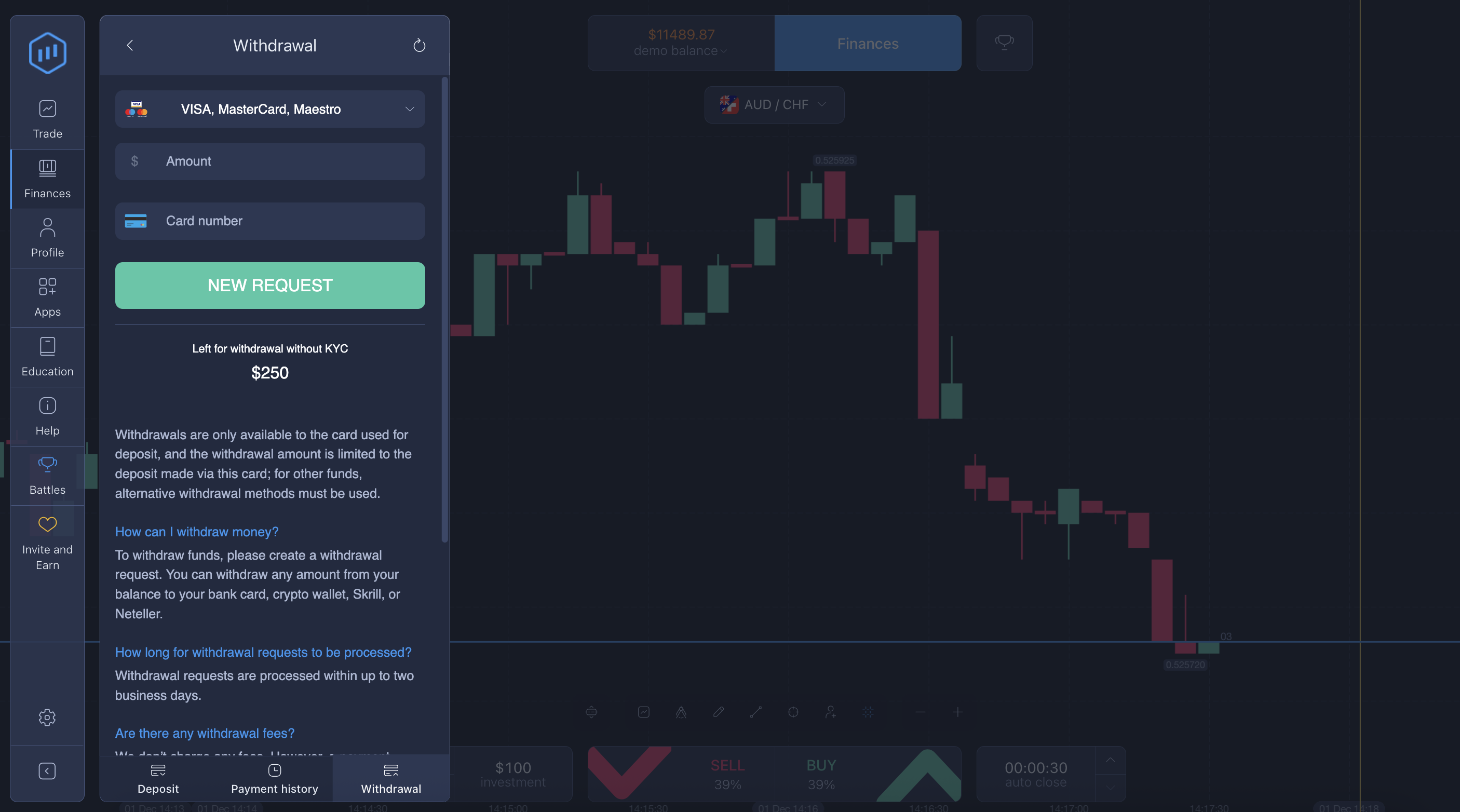
When a user submits a withdrawal request on ExpertOption, the request is registered in the system and enters a processing queue. This process follows the platform’s Terms of Use and includes internal checks such as:
- Account verification and compliance review
- Validation of the selected payment method
- Preparation of the transaction for the payment provider
Withdrawals are not executed instantly. Depending on the payment method and account status, the system may require up to 24 hours before the request is ready to be processed and sent to the payment provider.
This processing period is standard across financial platforms and exists to ensure accuracy, security, and protection for both users and the platform.
A Common Misunderstanding: Withdrawal Requests Do Not Freeze Funds
One of the most common misunderstandings among users is the assumption that submitting a withdrawal request automatically “locks” or freezes the requested amount.
On ExpertOption, this is not how the system works. After a withdrawal request is submitted:
- The requested funds remain part of your active account balance
- The system does not reserve or block the amount automatically
- You retain full control over your balance and can continue trading
This design choice allows users flexibility and uninterrupted access to their accounts. However, it also means that users are responsible for ensuring sufficient funds remain available until the withdrawal is processed.
What Happens During the 24-Hour Processing Window
The period between submitting a withdrawal request and the system processing it is critical.
During this time:
- The withdrawal request exists as a pending instruction
- The system prepares the request for execution
- No funds are deducted yet
Only when the system reaches the execution stage does it attempt to deduct the requested amount from the available balance.
At that moment, the system checks whether the full requested amount is still available.
Why Withdrawals Can Be Declined or Canceled
If trading continues after a withdrawal request is submitted, the account balance may change due to:
- New trades being opened
- Trades closing at a loss
- Partial balance usage
If, when the system is ready to process the withdrawal:
- The requested amount is no longer fully available, or
- The balance has dropped below the requested amount,
then the withdrawal cannot be processed.
In such cases, the system will automatically decline or cancel the withdrawal request. This is not a penalty or manual action — it is a technical requirement to prevent overdrawing or incomplete transactions.
Why ExpertOption Uses This Structure
ExpertOption’s withdrawal system is designed around three core principles:
1. User Control
Users retain full control over their funds at all times. The platform does not restrict trading activity unless required by security or regulatory reasons.
2. Transparency
All balances, transactions, and withdrawal requests are visible in real time. There are no hidden deductions or automatic freezes.
3. Accuracy and Security
Funds are deducted only when the system is ready to complete the transaction, ensuring accurate reconciliation and reducing errors with payment providers.
This structure is common in online trading platforms and helps maintain system stability and fairness across all users.
Best Practices for a Successful Withdrawal
To avoid declined withdrawals, ExpertOption strongly recommends the following best practices:
- Avoid Trading With the Withdrawal Amount: Once you submit a withdrawal request, treat the requested amount as “reserved,” even though it is not technically frozen.
- Maintain Sufficient Free Balance: Ensure that your available balance remains equal to or greater than the withdrawal amount until processing is complete.
- Wait for Confirmation: Resume trading with the withdrawn funds only after you receive confirmation that the withdrawal has been successfully processed.
Following these steps significantly increases the likelihood of a smooth and successful withdrawal experience.
Example Scenario
To illustrate how this works in practice:
- A user has $500 in their account
- They submit a withdrawal request for $300
- The request enters processing
During the next 24 hours:
- The user opens new trades using $200
- Some trades close at a loss
When the system attempts to process the withdrawal:
- The available balance is now $250
- The requested $300 is no longer available
Result: the withdrawal cannot be processed and is declined.
This outcome is based purely on balance availability, not on account status or user behavior.
Withdrawals and Payment Methods
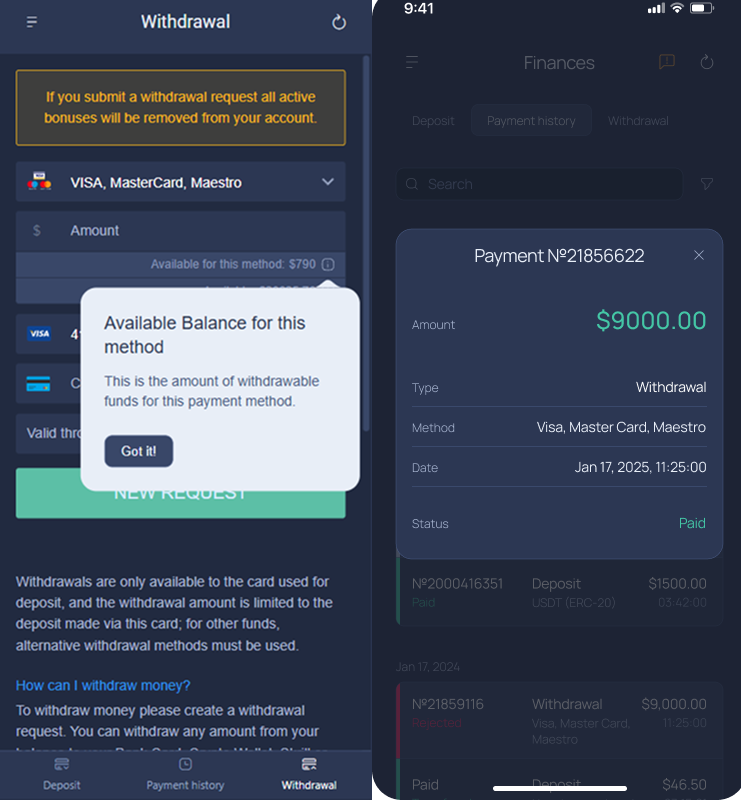
Once a withdrawal request is successfully processed internally, the funds are sent to the selected payment method. Actual receipt times may vary depending on:
- The payment provider
- Banking systems
- Local regulations
These external timelines are separate from ExpertOption’s internal processing period.
Transparency and Terms of Use
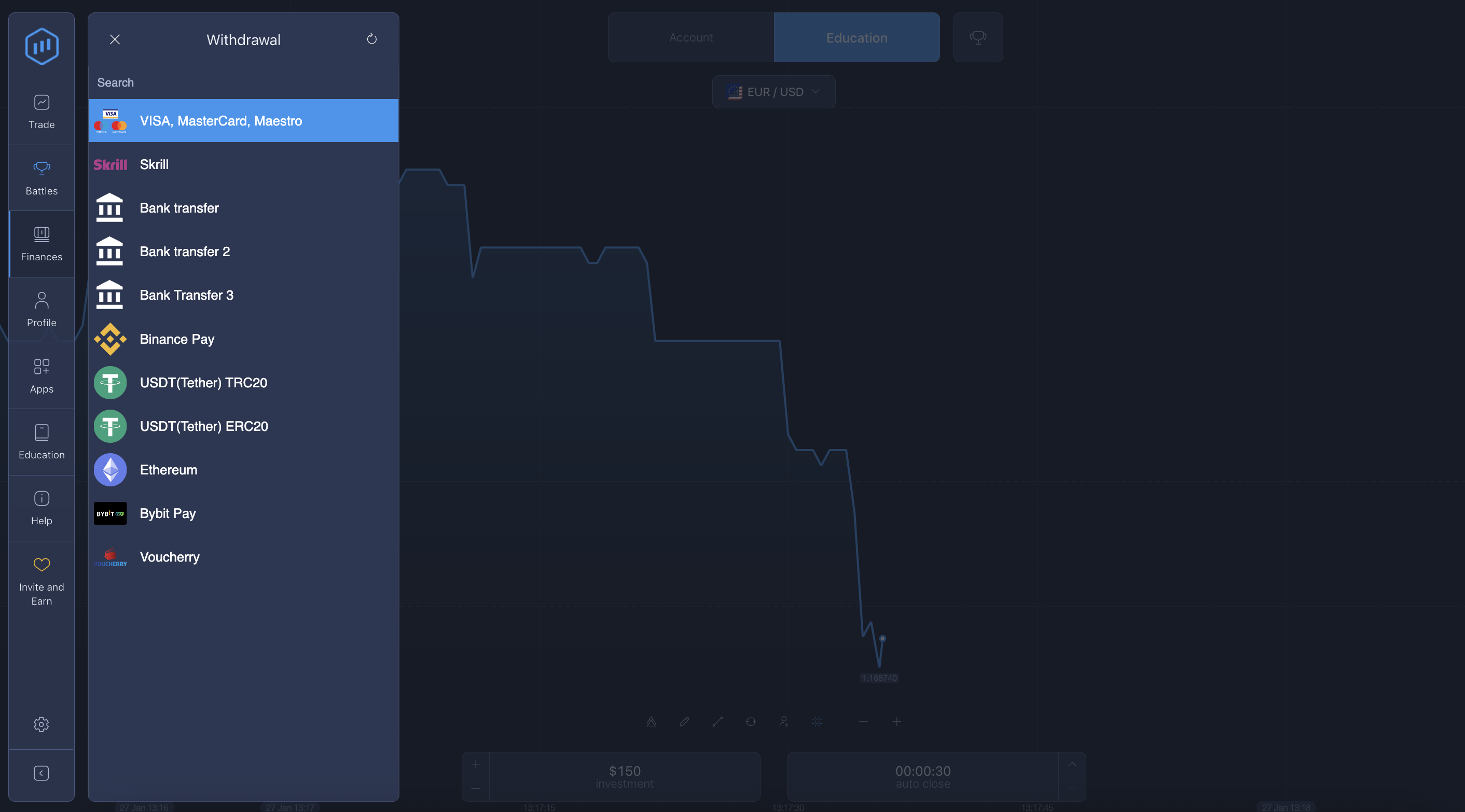
All withdrawal rules, timelines, and balance requirements are clearly outlined in ExpertOption’s Terms of Use. Users are encouraged to review these terms before submitting withdrawal requests, especially if they plan to continue trading actively.
The platform does not apply hidden conditions or discretionary rules to withdrawals. Requests are processed strictly based on system logic and available balance.
Final Takeaways
The most important point to remember is simple:
- Submitting a withdrawal request on ExpertOption does not freeze your funds.
- If you continue trading with the same balance and the requested amount is no longer available when processing begins, the withdrawal cannot be completed.
By understanding how the system works and managing your balance carefully, you can avoid unnecessary delays and ensure a smoother withdrawal experience.
Latest Posts
Trading Education
Trading News
Trading Strategies
Promotions & Tournaments
Success Stories & Tips
Platform Updates
Global events, stocks, crypto, forex
ExpertOption Reviews: An Honest Overview and Tips from Traders
5 minutes to readExpertOption Withdrawal Policy: How Withdrawals Work and Why Balance Management Matters
5 minutes to readExpertOption Reviews: An Honest Overview and Tips from Traders
5 minutes to readExpertOption Withdrawal Policy: How Withdrawals Work and Why Balance Management Matters
5 minutes to read