



 5 minutes to read
2026-01-09
Malik Mustapha
ExpertOption vs. ExpertOption FX: Understanding the Difference Between Two Names


In the fast-growing world of mobile trading, many platforms use similar names, which can easily confuse new traders. One of the most common mix-ups involves ExpertOption and a completely unrelated name circulating online: ExpertOption FX.
Although the names look similar, they are not connected in any way. Understanding this distinction is essential for anyone who wants a secure, reliable trading experience and access to proper support, verification, and successful withdrawal processes.
This article explains what ExpertOption actually is, how it works, and why it should not be confused with any platform operating under a similar variation of its name.
ExpertOption and ExpertOption FX Are Not Connected
The first and most important point: ExpertOption has nothing to do with ExpertOption FX.
ExpertOption is a well-established trading platform known for its mobile app, global user base, and structured verification system. By contrast, “ExpertOption FX” is not part of the brand, not affiliated, and not connected to ExpertOption’s official systems, accounts, support, or security infrastructure.
Because of similar names, some traders mistakenly believe they are the same. They are not.
Understanding this difference helps protect users from misinformation and directs them toward platforms with proven reliability.
What Is ExpertOption All About?
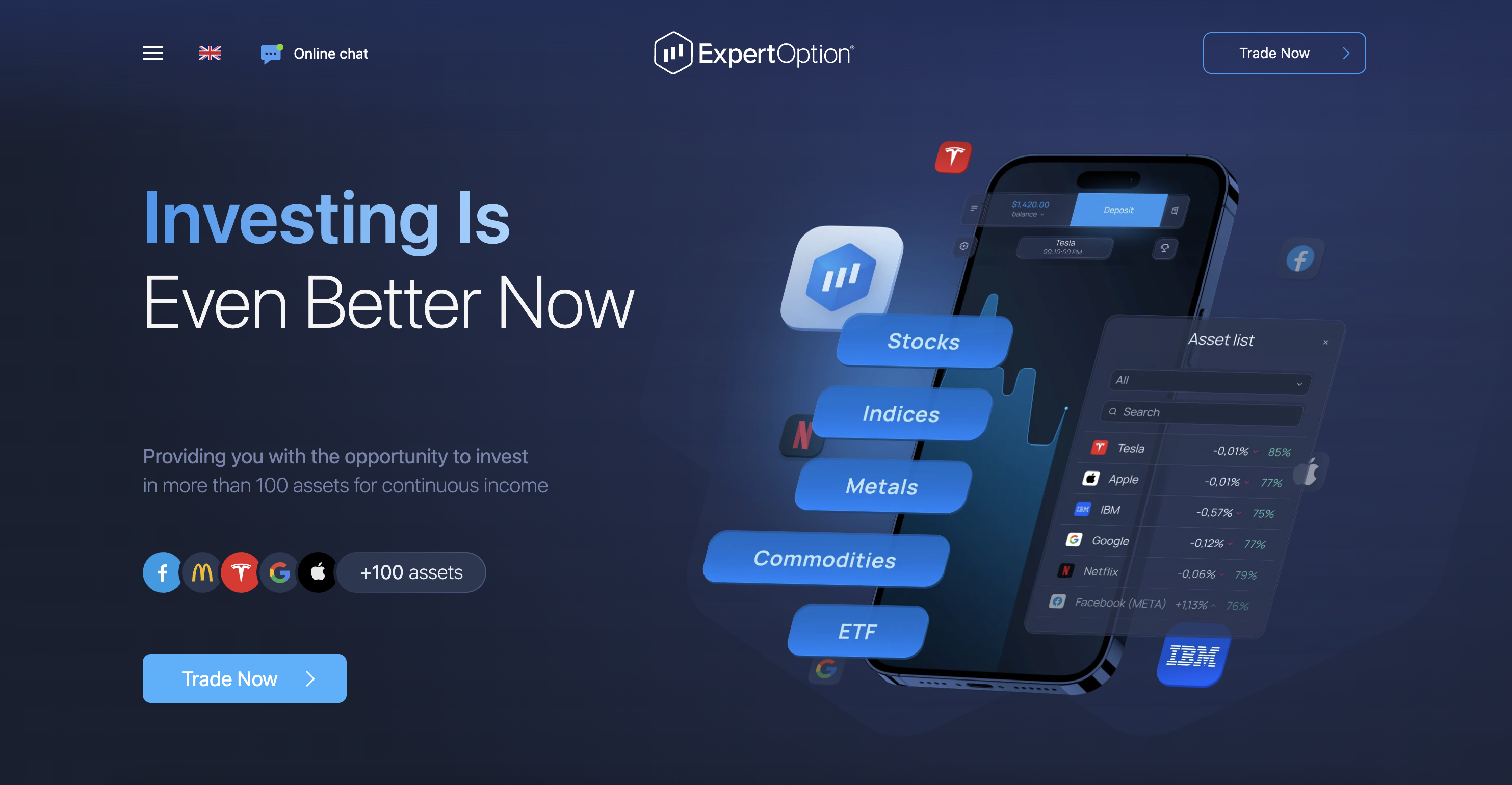
ExpertOption gives traders access to a streamlined digital trading environment. Its purpose is to make market participation simple and intuitive, even for beginners. The platform focuses on fast execution, accessible charting tools, built-in education, and a structure that allows users to practice before committing real funds.
Many ExpertOption review summaries highlight the platform’s responsiveness and clean design, which allows traders to act quickly when markets move. This performance is a major reason users consider ExpertOption reliable and suited for everyday trading.
What Is ExpertOption Used For?
Traders rely on ExpertOption to analyze markets, open short-duration trades, and develop strategies. The platform also helps newcomers learn through a realistic demo environment — an important step before moving into live trading.
Because the app functions smoothly across devices, users can trade on desktop or switch to the ExpertOption mobile trading app without losing functionality or speed.
Unlike unofficial platforms that copy the name, ExpertOption maintains consistent operations, customer support, and a unified ecosystem.
Is ExpertOption Legit and Safe?
Yes. ExpertOption operates under established security frameworks designed to protect both trader accounts and transaction data. This is why experienced users consistently emphasize that ExpertOption is safe when proper account verification is completed.
The platform uses encryption and structured verification to ensure secure deposits and successful withdrawal operations. This reliability is one of the reasons traders trust it over similar-named alternatives.
How Does ExpertOption Work?
ExpertOption provides an accessible structure for both new and advanced users:
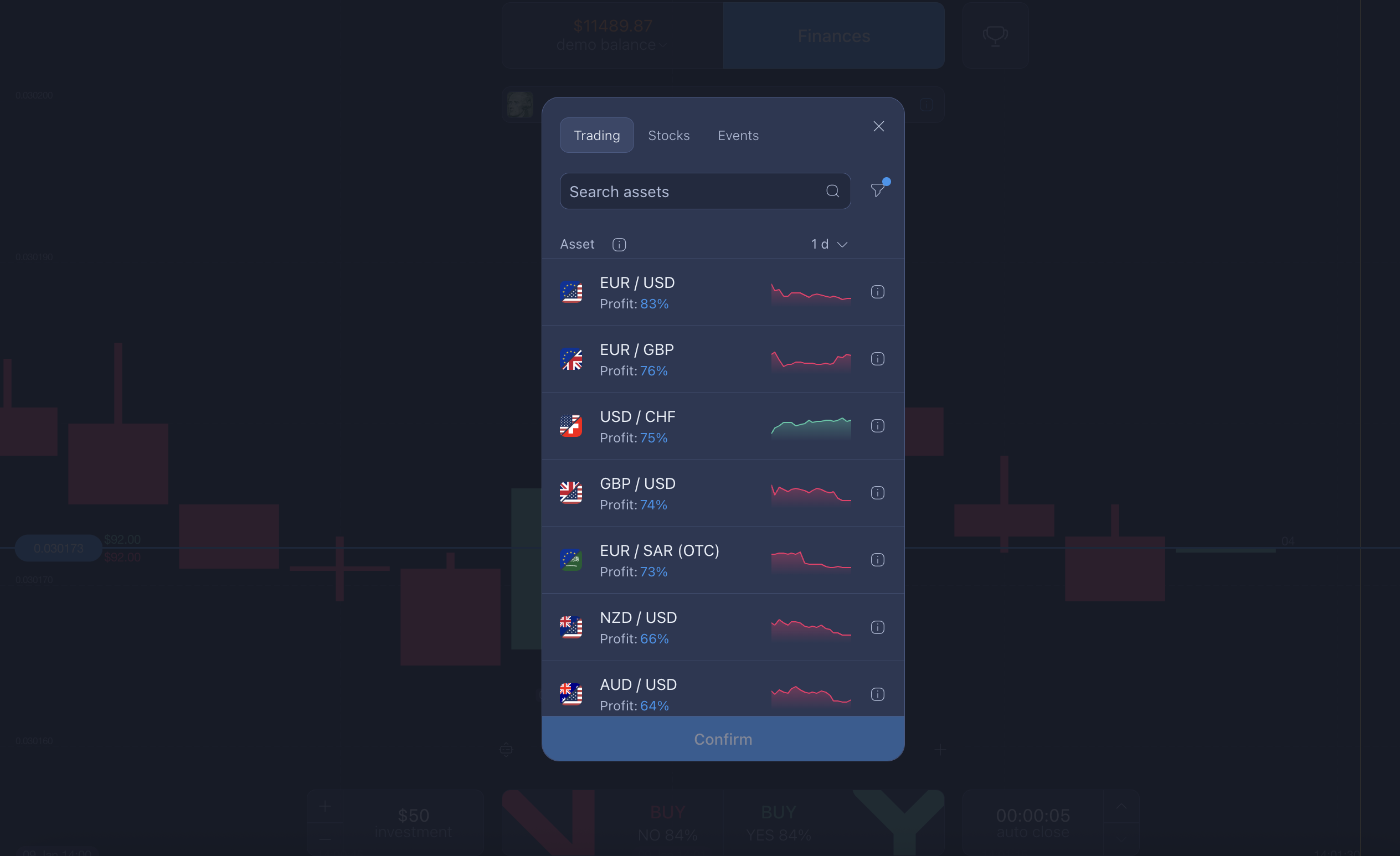
- Choose an asset from currencies, commodities, indices, or stocks.
- Analyze market movement using real-time charts and indicators.
- Set trade duration and amount based on your plan.
- Confirm a direction: upward or downward price movement.
- Monitor results in the live interface.
The app is designed to reduce complexity so traders can focus on analysis instead of navigating the platform.
How to Use ExpertOption Effectively
New traders typically begin by exploring the charts and testing different approaches in demo mode. Once they move to live trading, the platform supports them with clear navigation, straightforward trade placement, and accessible settings for charts and indicators.
If you’re using ExpertOption for the first time, pay attention to:
- Choosing a strategy that suits your risk tolerance
- Applying consistent settings rather than switching indicators too often
- Reviewing your trading history to understand what works
This combination gives users a structured and repeatable process instead of relying on guesswork.
Understanding ExpertOption Settings
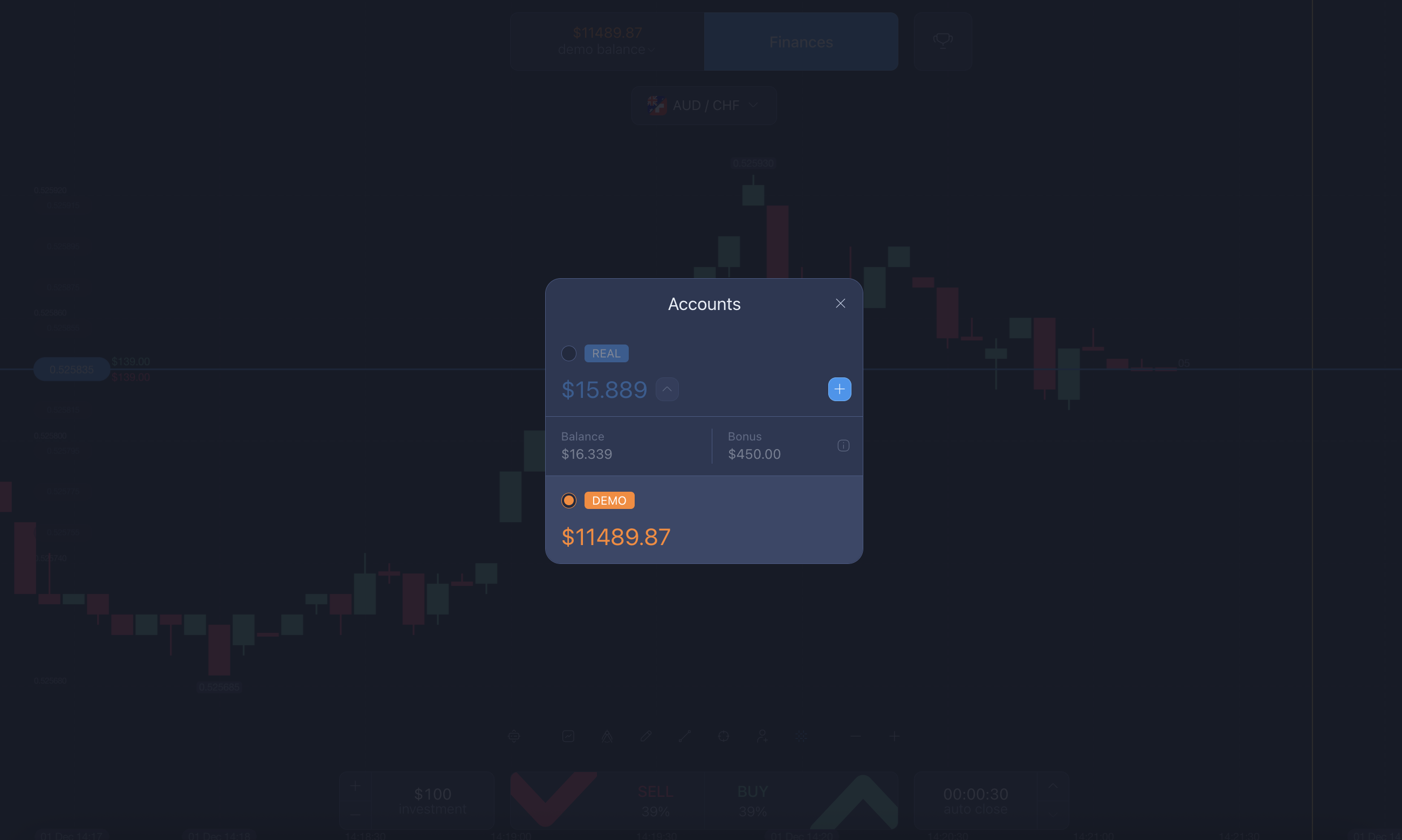
The platform allows customization of visual themes, indicator types, chart styles, and timeframes. Traders can set up a minimalist interface or a more detailed one, depending on the strategy they follow. These settings help maintain clarity during rapid market movements and enable users to focus on what matters most — the price fluctuations.
Why Traders Should Not Confuse the Two Names
The similarity between “ExpertOption” and “ExpertOption FX” often misleads new traders who assume both belong to the same company. It does not.
Choosing the wrong name can expose traders to platforms that lack proper verification, have unclear origins, or offer unsupported service structures.
To avoid risks:
- Always use the official ExpertOption site or app
- Confirm branding, logos, and support channels
- Avoid signing up for services with altered or extended names
Conclusion
Although their names look similar, ExpertOption and ExpertOption FX are completely different. The official ExpertOption platform is legitimate, safe, and widely trusted for its smooth interface, secure operations, and transparent withdrawal structure.
For traders looking for a dependable environment with strong support and consistent performance, ExpertOption remains the platform worth choosing.
Latest Posts
Trading Education
Trading News
Trading Strategies
Promotions & Tournaments
Success Stories & Tips
Platform Updates
Global events, stocks, crypto, forex
ExpertOption Reviews: An Honest Overview and Tips from Traders
5 minutes to readExpertOption Withdrawal Policy: How Withdrawals Work and Why Balance Management Matters
5 minutes to readExpertOption Reviews: An Honest Overview and Tips from Traders
5 minutes to readExpertOption Withdrawal Policy: How Withdrawals Work and Why Balance Management Matters
5 minutes to read